The Best Local-First Personal Finance Software (No Cloud)
What “local-first” means in practice: where your data lives, what goes online, and how to back it up.
“Cloud sync” is usually sold as a feature. For a finance app it also means a copy of every transaction you’ve made sits on someone else’s server. Local-first software works the other way round: the main copy of your data is a file on your own computer, and the app works without an internet connection.
What local-first means in Covely
- One database file on your computer. Covely keeps everything in a single SQLite database in its app data folder. There’s no Covely account to sign up for and nothing to sync.
- It works offline. Pages, search and reports read from that file, so they work on a plane and don’t wait on a server.
- It doesn’t depend on us staying in business. If a cloud service shuts down (as Mint did in 2024), its users have to export and move. A local app keeps working.
What does go online
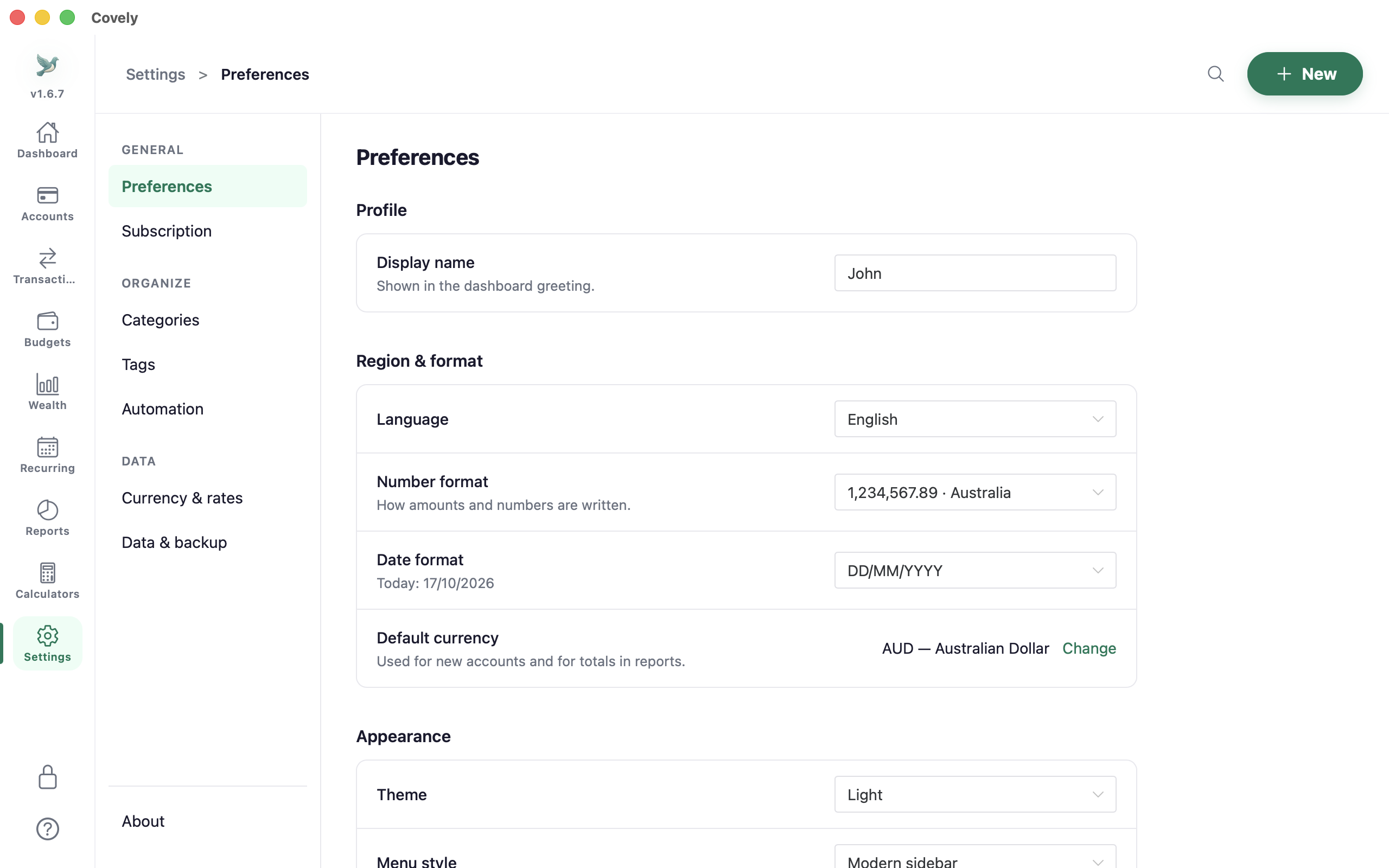
To be precise about what “offline” means: your transactions, balances, account names and notes are stored only on your computer, and there is no Covely account or cloud sync. The app does go online for a few things: a check-in at startup that sends the app version, your platform and a device ID; update checks in the direct-download version; and, if you leave it switched on, live exchange rates and stock prices. You can switch the last one off in Settings → Preferences → Fetch rates and prices online.
Locking the app
Your computer’s login is the first line of defence. Covely adds its own lock: a PIN, plus biometric unlock where the device supports it (Touch ID on Macs, Windows Hello on Windows). The app locks itself after a period of inactivity; the default is five minutes.
Backups: the part local-first apps make your job
With no server holding a copy, backups matter. In Settings → Data & backup:
- Create backup now saves an encrypted backup file wherever you choose.
- Backup folder turns on automatic backups. When you open Covely and the last backup is more than a day old, it makes a new one in that folder. Choose a folder that iCloud Drive, Dropbox or a NAS already copies if you want an off-site copy. The provider only ever sees the encrypted backup file.
- Restore… replaces all current data with a backup and restarts the app, so it asks you to confirm first.
- Export to ZIP exports all your data in readable files, so you’re never locked in.
No subscription
Because there are no servers storing your data, there are no hosting costs to pass on as a subscription. Covely is free with no time limit, and the optional PRO upgrade is a one-time $9.90.